Match appointment rules to the service
Initial assessments may need longer appointments and different preparation than follow-ups. Review recurring visits, room or equipment constraints and how a cancellation affects the rest of the schedule. Avoid assuming every practitioner has the same appointment rules.
Evaluate documentation and payment together
Check the path from completed visit to note, invoice and receipt. In the US, assess any required superbill or payer workflow separately; in Canada, confirm the specific funding and receipt requirements your practice uses. Neither market should assume universal insurer support.
A treatment plan spans several visits
Create a fictional assessment and three follow-up appointments with different lengths. Review how goals, progress notes and missed visits are visible to the treating practitioner. Then create a sample invoice and check the information available for reconciliation. If your practice needs outcome measures, exercise prescription, direct billing or a payer interface, request a demonstration of that exact capability; those functions are not established by a calendar preview.
| Check in the demonstration | Evidence to record |
|---|---|
| Visit type and duration preserved | Describe the observed result using fictional data. |
| Progress documentation linked to the client | Record the role, exception and any manual work required. |
| External integrations verified separately | Agree on pass, follow-up or unavailable before rollout. |
Continue with clinical notes and documentation workflows and practice billing and payment workflows to test the connected steps. The interactive Flor demo provides fictional examples for the discussion.
Prepare your team for the review
Ask one practitioner and one person who handles scheduling or billing to describe the same fictional visit. Compare what each needs before, during and after the appointment. Bring blank forms, service durations and a list of required integrations, then use the software selection guide to record the outcome.
For a US practice, confirm USD billing and treat self-pay, superbill and insurance-claim needs as distinct requirements. Check the migration checklist before agreeing to a switch date.
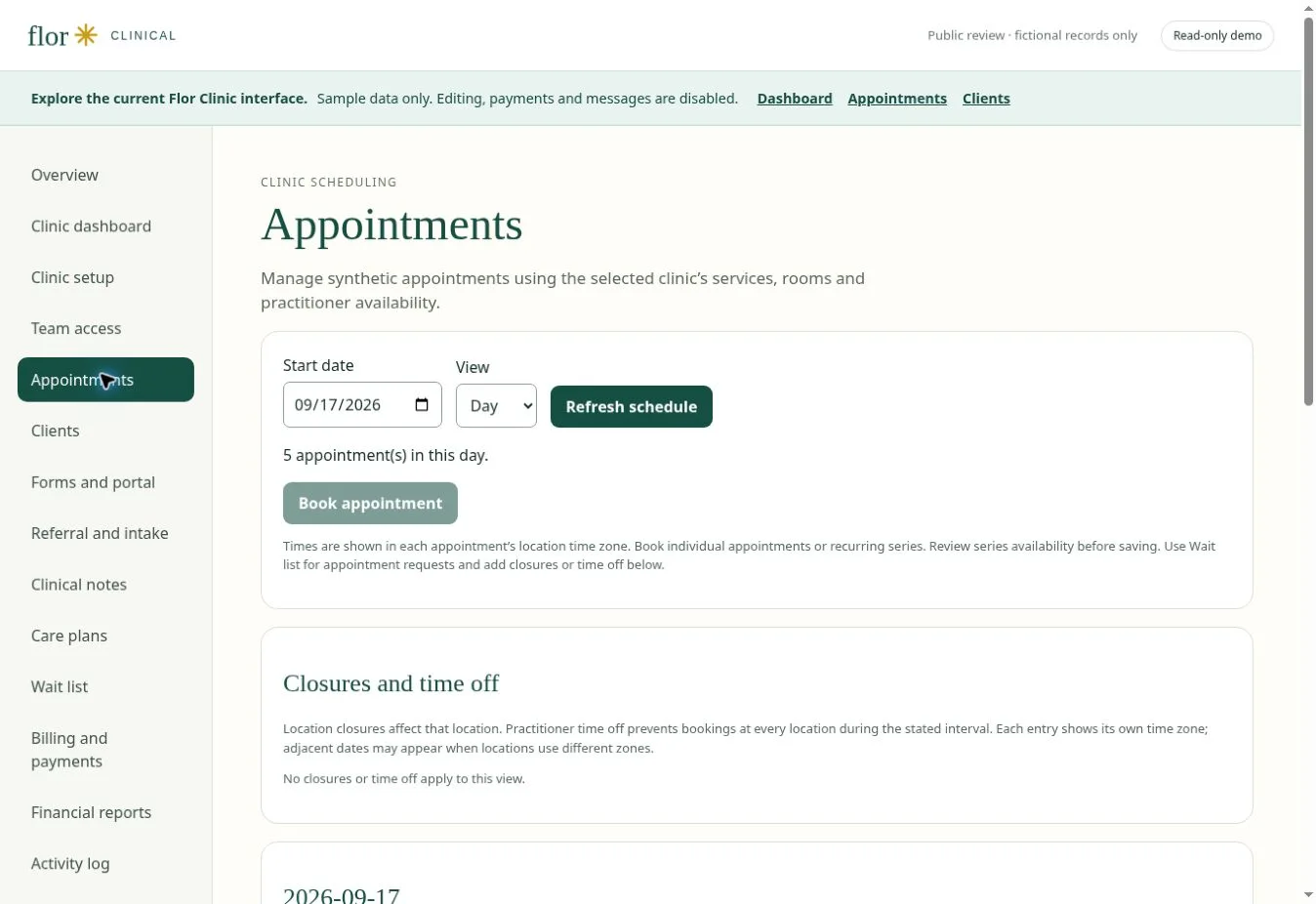
Recurring-visit exception worksheet
Use fictional visits. Record requested, confirmed, changed, cancelled and review-needed states separately; do not substitute calendar counts for coverage or clinical decisions.
| Review case | Scope to test | Evidence and limit to record |
|---|---|---|
| One occurrence | Keep other visits unchanged | Original date, reason, approver and correct notice. |
| Future occurrences | Preview every affected date | Effective date, conflicts, end rule and retained earlier history. |
| Review needed | Do not imply confirmation | Responsible clinician or billing role, required evidence and next action. |
| Completed occurrence | Reconcile connected records | Attendance, note, invoice and corrections remain distinct. |
Trace one changed visit across the clinic day
Use a fictional series with a closure, therapist absence and room conflict. Preview the difference between changing one occurrence and future visits, then compare the retained history, notices and appointment statuses. Follow an attended visit into its note and invoice, and keep a cancelled visit from silently becoming an attended or billable visit. A plan-of-care review date or payer requirement is not satisfied merely because the calendar accepted the booking. Obtain the exact clinical and payer review for the practice rather than applying one rule to every setting.
Use the complete physical-therapy series checklist ↗ Record pass, follow-up or unavailable for every requirement; confirm supported hosted scope before a rollout.
Primary sources checked October 15, 2026: CMS Medicare Benefit Policy Manual, Chapter 15, sections 220–230, HHS appointment-reminder guidance and HHS message safeguards and confidential-communication requests. Medicare guidance is not a universal rule for every payer or setting; reminder permission is not blanket permission for any message or channel.
A few common questions
Is insurance billing included?
Insurance integrations vary. Ask the team to demonstrate the exact workflow and payer requirements before including it in your rollout.
Prepared for clinic owners in United States. Updated . These guides support product evaluation and do not replace professional or legal advice.