Distinguish receipts, superbills and claims
These documents and workflows are not interchangeable. A receipt records a payment, a superbill may help a client seek reimbursement, and an electronic claim involves payer-specific submission and response handling. Confirm each required capability separately; Flor does not promise universal payer connectivity.
Plan for the exceptions
Partial payments, cancellations, refunds and corrected invoices need a clear owner and history. Review how fees are set, which staff can change them and how transaction fees appear. Reconcile a sample day with fictional records before accepting a financial workflow.
An invoice is only partly paid
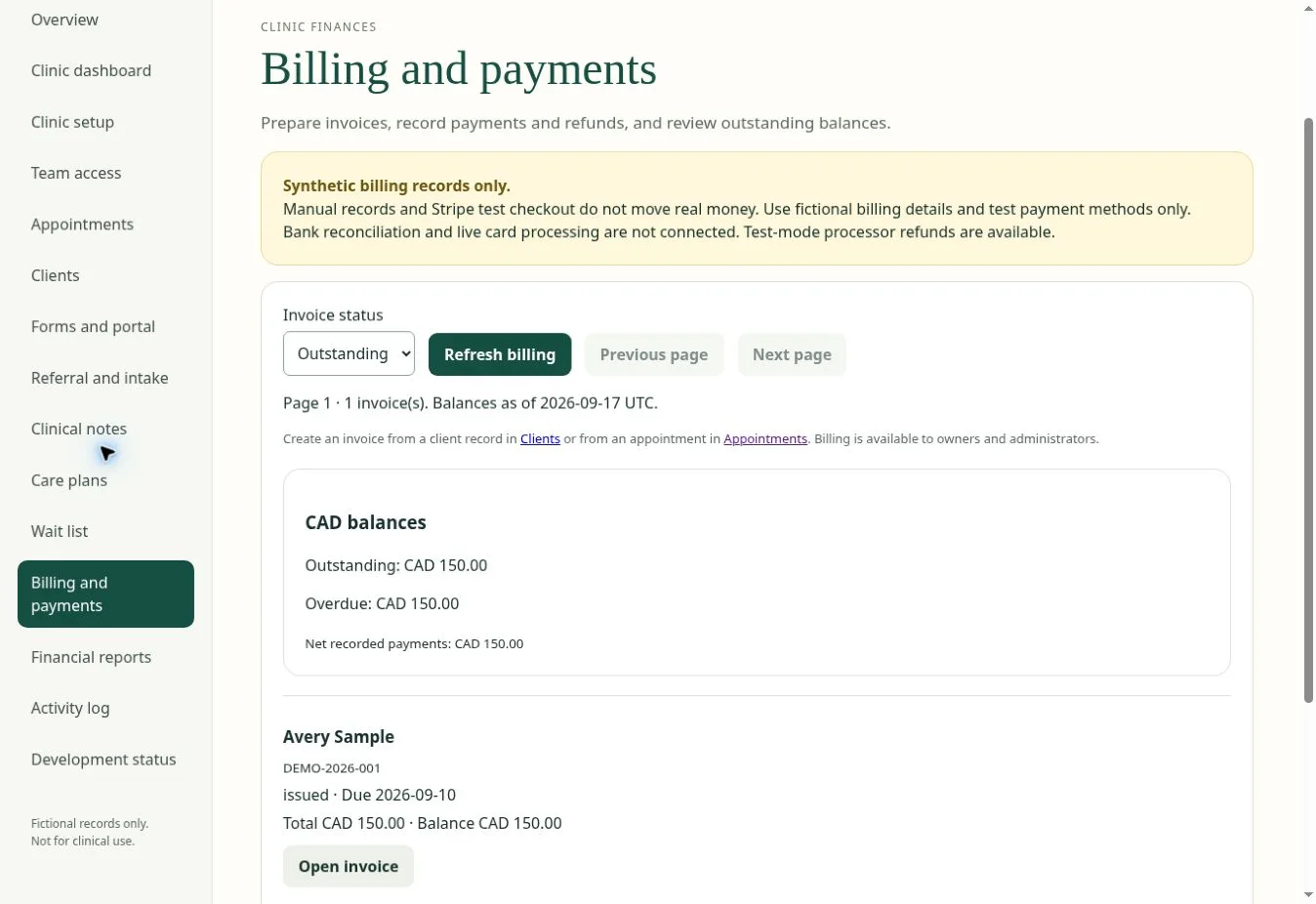
Start with a fictional invoice of $150 and a $100 payment. The remaining balance should be $50 in the same currency. Review how a receipt links to the payment, how corrections are recorded and which staff can view or export financial information. A payment-provider success screen is not enough: compare the invoice, ledger and provider result. Flor checkout and refund implementation is under sandbox acceptance; no payment action is enabled in the public walkthrough.
| Check in the demonstration | Evidence to record |
|---|---|
| Invoice, payment and balance agree | Describe the observed result using fictional data. |
| Receipt identifies its invoice | Record the role, exception and any manual work required. |
| Refund and failed-payment review defined | Agree on pass, follow-up or unavailable before rollout. |
Continue with practice reporting and team visibility and appointment scheduling software for therapy practices to test the connected steps. The interactive Flor demo provides fictional examples for the discussion.
A US self-pay billing acceptance pass
Test a fictional visit from scheduling through an estimate review, invoice, payment, correction and refund. Keep the estimate, invoice and receipt distinct, and confirm that the ledger explains every adjustment. CMS explains current federal good-faith-estimate rights for uninsured or self-pay people; the practice must determine how the rules apply to its services.
| State | Evidence to capture |
|---|---|
| Before the visit | Payment status, estimate request, scheduled date, delivery date and expected charges. |
| After the visit | Invoice, payment, receipt, remaining balance and responsible staff role. |
| Correction | Original entry, reason, approver, adjustment or refund and reconciled total. |
A few common questions
Does Flor include insurance claims?
Ask the team to confirm the exact payer and integration you need. Electronic claims and payer enrolment are not claimed as generally available.
Where can I see subscription prices?
Pricing is being scoped for early access. Request a quote in USD and ask for a breakdown of implementation and recurring costs.
Prepared for clinic owners in United States. Updated . These guides support product evaluation and do not replace professional or legal advice.