Create a small, weighted requirements list
Separate requirements you must have at launch from conveniences you can add later. Include guardian access, documentation rules, appointments, receipts, export and support. Give each requirement an owner who can say whether a demonstration meets it. A solo practice and a multi-location clinic will weight these differently.
Ask to operate the demonstration
Use fictional records to schedule, reschedule, document and reconcile a visit. Try a wrong permission and a cancelled appointment. Ask the vendor to show how an error is corrected rather than moving on to the next feature. Keep a written record of anything that requires future development.
Compare the whole cost and exit plan
Request a quote covering subscriptions, migration, training, communications, processing and support. Ask what happens when you leave: export format, access period, charges and deletion arrangements. Evaluate the response process during the trial; it is part of the service you are choosing.
Run the same scenario with every vendor
Give each vendor the same fictional clinic, appointment series and partly paid invoice. Include a difficult case such as a guardian access change or a practitioner absence. Score the outcome against a written acceptance rule, record any workaround and identify who would do the extra work. Compare confirmed capabilities rather than the smoothness of a sales presentation. A short, repeatable demonstration makes gaps easier to discuss.
| Check in the demonstration | Evidence to record |
|---|---|
| Must-have scenario completed | Describe the observed result using fictional data. |
| Workarounds and owners recorded | Record the role, exception and any manual work required. |
| Unverified claims kept out of the score | Agree on pass, follow-up or unavailable before rollout. |
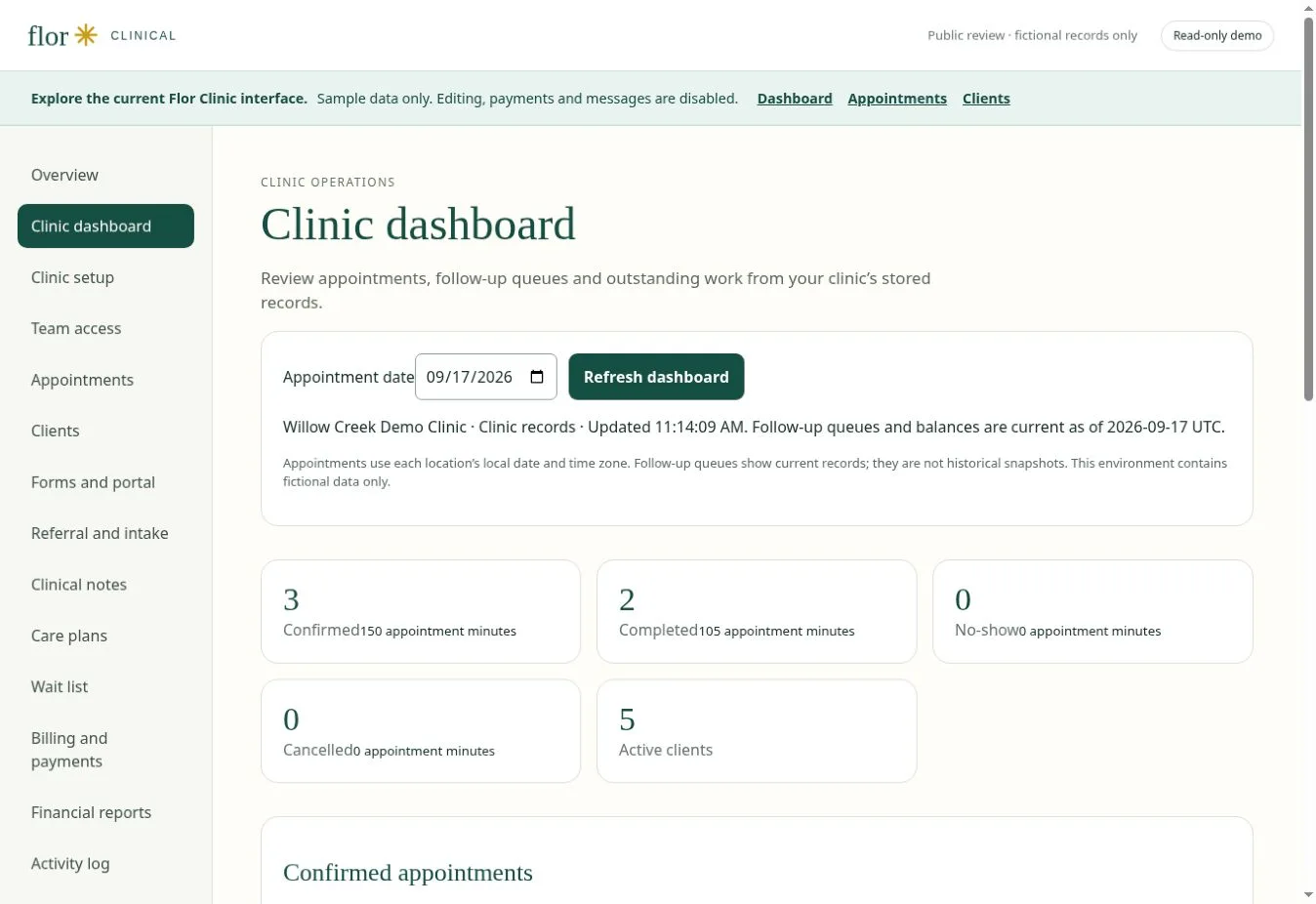
Continue with appointment scheduling software for therapy practices and patient portal software for connected care to test the connected steps. The interactive Flor demo provides fictional examples for the discussion.
Separate the superbill decision from the claim decision
Add two rows to your vendor scorecard. The superbill row should test document creation, coding review, client delivery and corrections. The claims row should test payer enrolment, submission format, acknowledgements, rejections, corrections, remittance and payment posting. CMS describes the CMS-1500 professional paper claim and the 837P electronic professional-claim standard. Verify the exact payer and clearinghouse workflow you need; a document export does not prove a connected claim service.
| Requirement | Demonstration evidence |
|---|---|
| Client superbill | Fields, reviewer, delivery, correction and retained version history. |
| Electronic claim | Enrolment, format, destination, acknowledgement, rejection and corrected resubmission. |
| Financial close | Remittance, adjustment, client balance and ledger reconciliation. |
- Enquiry & intakeIdentify the service, recipient and forms that need review.
- Schedule the visitMatch practitioner availability, room and appointment type.
- Document careReview notes, care plans and the next clinical task.
- Invoice & reconcileCheck charges, receipts and balances in USD.
- Follow upTrack the administrative conversation and assigned forms.
- Review the practiceUse agreed definitions to assess workload and outstanding work.
Evaluation map, not a guarantee of feature availability. Confirm your required workflow in a guided demonstration.
Questions for a US practice
Separate self-pay invoicing, superbills and electronic claims in your requirements. A working invoice does not establish payer connectivity. Ask for USD pricing, define staff and recipient access, and test the exact state, discipline and payer workflows relevant to your practice.
Where HIPAA applies, review the actual cloud services, responsibilities and agreements involved. HHS cloud-computing guidance is a starting point for those questions. A software label is not evidence that a particular clinic configuration satisfies its obligations.
A few common questions
Should I choose the lowest price?
Compare cost against required capabilities and implementation effort. A lower subscription can still involve additional services or manual work.
Prepared for clinic owners in United States. Updated . These guides support product evaluation and do not replace professional or legal advice.