Share the operational picture
Practitioner availability, treatment spaces and locations are useful across the team. Define which staff can manage each resource and what clinical information stays outside that shared view. A receptionist should not need unrestricted record access to solve a scheduling problem.
Preserve discipline-specific documentation
Speech therapy, occupational therapy, physical therapy and counseling may use different assessments and note structures. Review collaboration rules, report sharing and handovers with each discipline represented. Start a rollout with a manageable group and a clear support owner.
Three disciplines share one clinic day
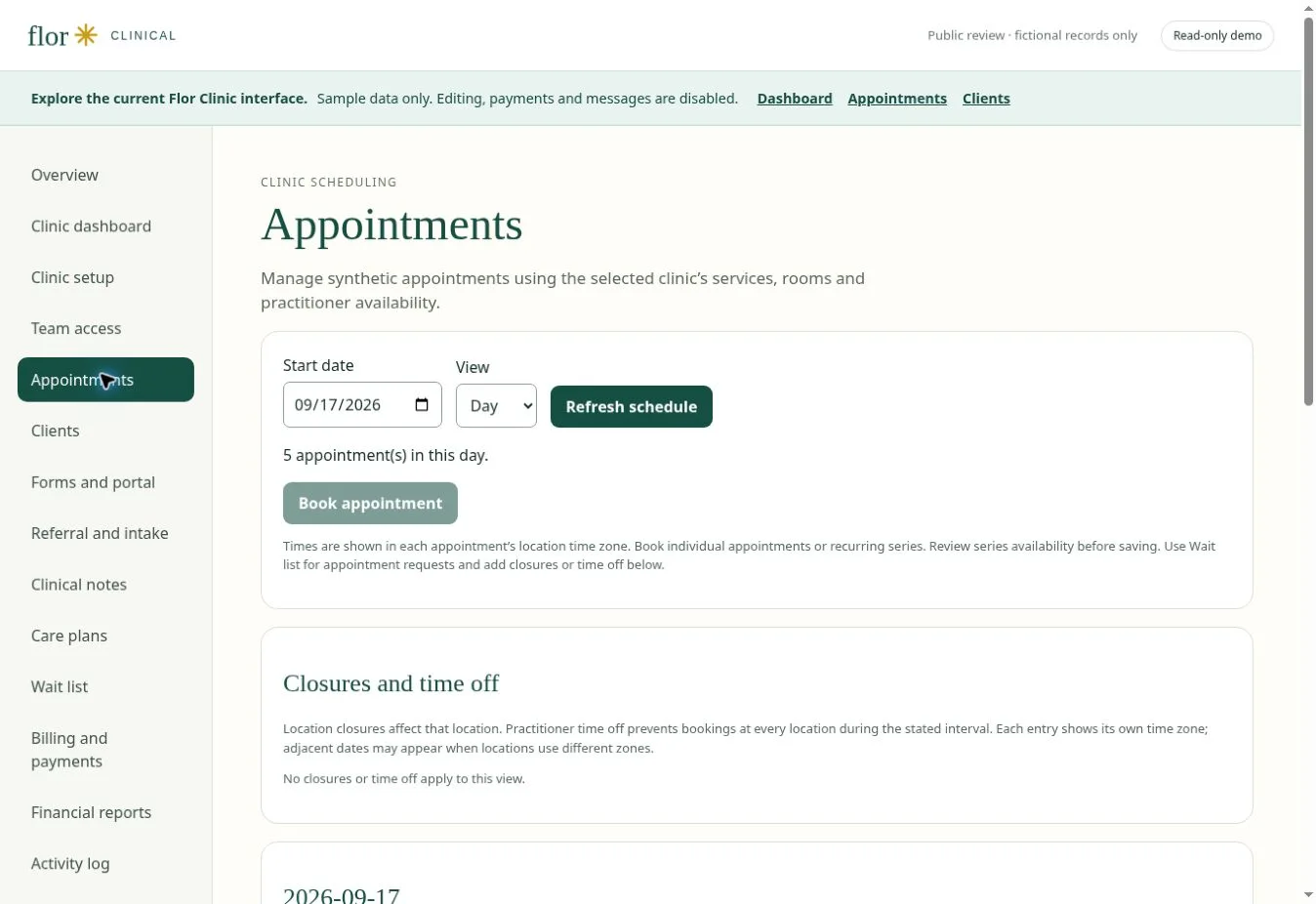
Model a fictional clinic with speech therapy, occupational therapy and a third discipline. Give each service a different appointment duration and documentation need. Check shared-room conflicts and review what reception, clinicians and managers may see. Follow one visit to billing and reporting. The purpose is to verify the handoffs between teams, not just to demonstrate that several calendar colours can be displayed.
| Check in the demonstration | Evidence to record |
|---|---|
| Service-specific workflow maintained | Describe the observed result using fictional data. |
| Shared resources cannot be silently double-booked | Record the role, exception and any manual work required. |
| Reporting definitions work across disciplines | Agree on pass, follow-up or unavailable before rollout. |
Continue with appointment scheduling software for therapy practices and practice reporting and team visibility to test the connected steps. The interactive Flor demo provides fictional examples for the discussion.
Prepare your team for the review
Ask one practitioner and one person who handles scheduling or billing to describe the same fictional visit. Compare what each needs before, during and after the appointment. Bring blank forms, service durations and a list of required integrations, then use the software selection guide to record the outcome.
For a US practice, confirm USD billing and treat self-pay, superbill and insurance-claim needs as distinct requirements. Check the migration checklist before agreeing to a switch date.
A few common questions
Can we launch every discipline at once?
A phased pilot is usually easier to evaluate. Agree on the first supported workflows, acceptance evidence and support process before expanding.
Prepared for clinic owners in United States. Updated . These guides support product evaluation and do not replace professional or legal advice.