Start with the journey through your practice
Write down what happens from the first enquiry to the last receipt. Who books the appointment? Where is consent recorded? Who writes the note? Which person follows up an unpaid invoice? This map reveals handoffs and repeated entry that a new system should address.
Separate a feature name from a working process
A vendor may list “billing” while supporting only invoices, or “portal” while offering only appointment details. Ask to see your workflow with fictional data. Include an exception: a refund, a guardian change or a practitioner leaving. These scenarios reveal more than a polished dashboard.
Define success before a trial
Choose a few observable outcomes, such as fewer repeated administrative entries or a complete record export. Record the baseline and how you will measure the pilot. Set responsibilities for data migration, staff training and support. Avoid treating a long feature list as evidence of fit.
Follow one appointment end to end
A practical definition starts with the work a clinic performs. Take a fictional new enquiry and follow it through intake review, appointment scheduling, documentation, invoicing and follow-up. Note where information is entered twice, where staff must wait for another person and where an external service is required. This map helps you decide whether a feature is essential, optional or outside your software scope.
| Check in the demonstration | Evidence to record |
|---|---|
| Administrative and clinical responsibilities separated | Describe the observed result using fictional data. |
| Repeated entry and handoff points recorded | Record the role, exception and any manual work required. |
| Required external services identified | Agree on pass, follow-up or unavailable before rollout. |
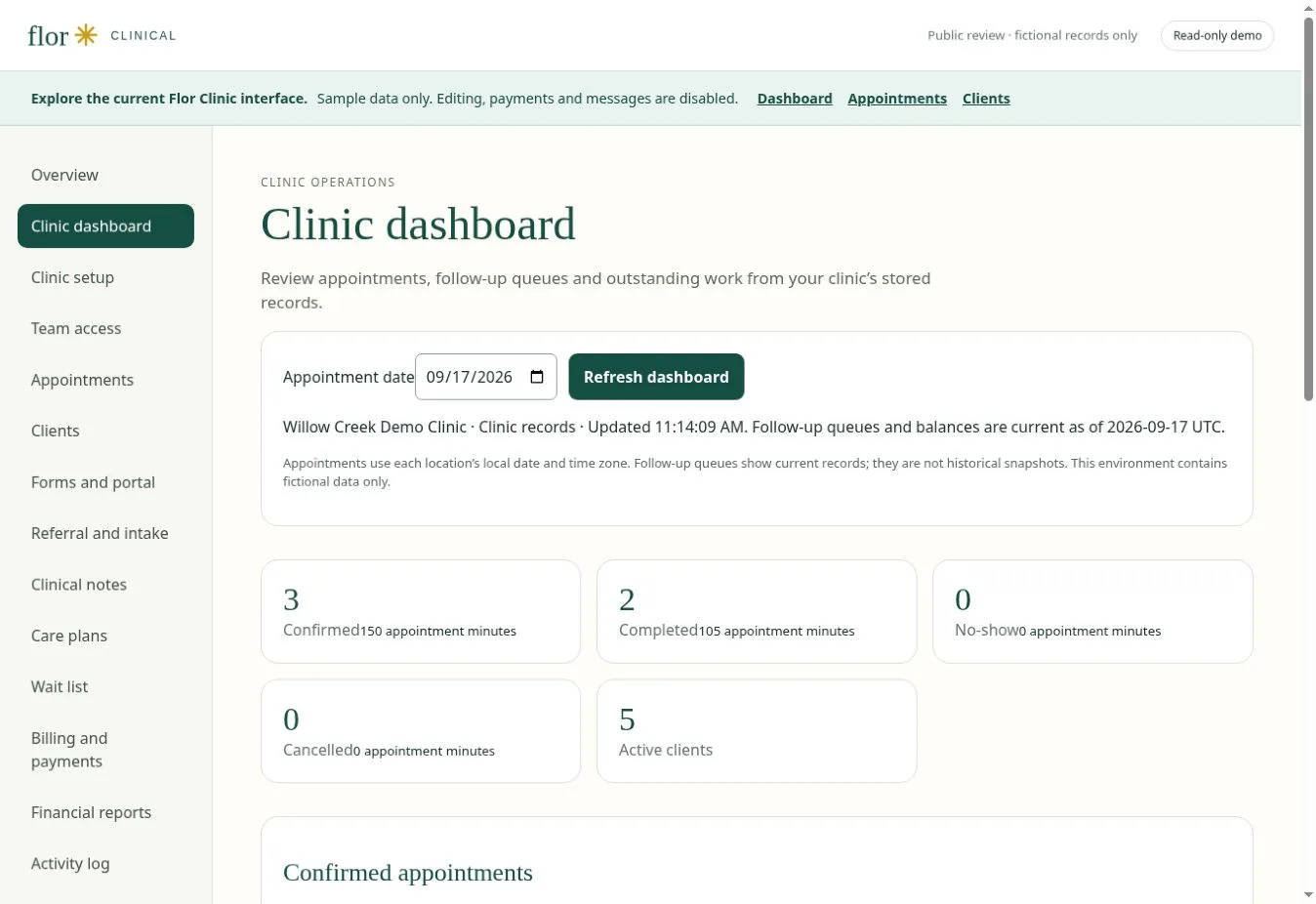
Continue with appointment scheduling software for therapy practices and practice billing and payment workflows to test the connected steps. The interactive Flor demo provides fictional examples for the discussion.
- Enquiry & intakeIdentify the service, recipient and forms that need review.
- Schedule the visitMatch practitioner availability, room and appointment type.
- Document careReview notes, care plans and the next clinical task.
- Invoice & reconcileCheck charges, receipts and balances in USD.
- Follow upTrack the administrative conversation and assigned forms.
- Review the practiceUse agreed definitions to assess workload and outstanding work.
Evaluation map, not a guarantee of feature availability. Confirm your required workflow in a guided demonstration.
Questions for a US practice
Separate self-pay invoicing, superbills and electronic claims in your requirements. A working invoice does not establish payer connectivity. Ask for USD pricing, define staff and recipient access, and test the exact state, discipline and payer workflows relevant to your practice.
Where HIPAA applies, review the actual cloud services, responsibilities and agreements involved. HHS cloud-computing guidance is a starting point for those questions. A software label is not evidence that a particular clinic configuration satisfies its obligations.
A few common questions
Is practice management software the same as an EHR?
There is overlap, but the terms do not guarantee the same capabilities. Read the comparison guide and verify the specific clinical and administrative functions.
Prepared for clinic owners in United States. Updated . These guides support product evaluation and do not replace professional or legal advice.